

About
Tools built by someone who uses them.
For now, MD Automation is one person: Marc-Antoine Doyon, an independent developer in Québec, Canada. It exists for one reason: too many hours of CAD work go into tasks a computer should do in one click.
Québec, Canada · 5 plugins shipped · 5 in the pipeline

Principles
What we believe
Plugins should feel intuitive
A command should work the way you already expect: you find it in the ribbon or the right-click menu, select before or after, and undo it in one step. If it takes more than a first try to understand, it isn't finished.
Buying software should be simple
One payment, a perpetual license bound to your computer, which you can move to a new computer once per 12-month period, no account to manage. It works offline once activated.
Small and sharp beats big and bloated
Each plugin does one job extremely well, stays fast, and shares a single ribbon tab and licensing experience with the others.
Documentation matters
Every plugin has its own guide in the docs, and every command is in one reference: what it does, which ribbon panel it lives on, and the steps to get the result.
Under the hood
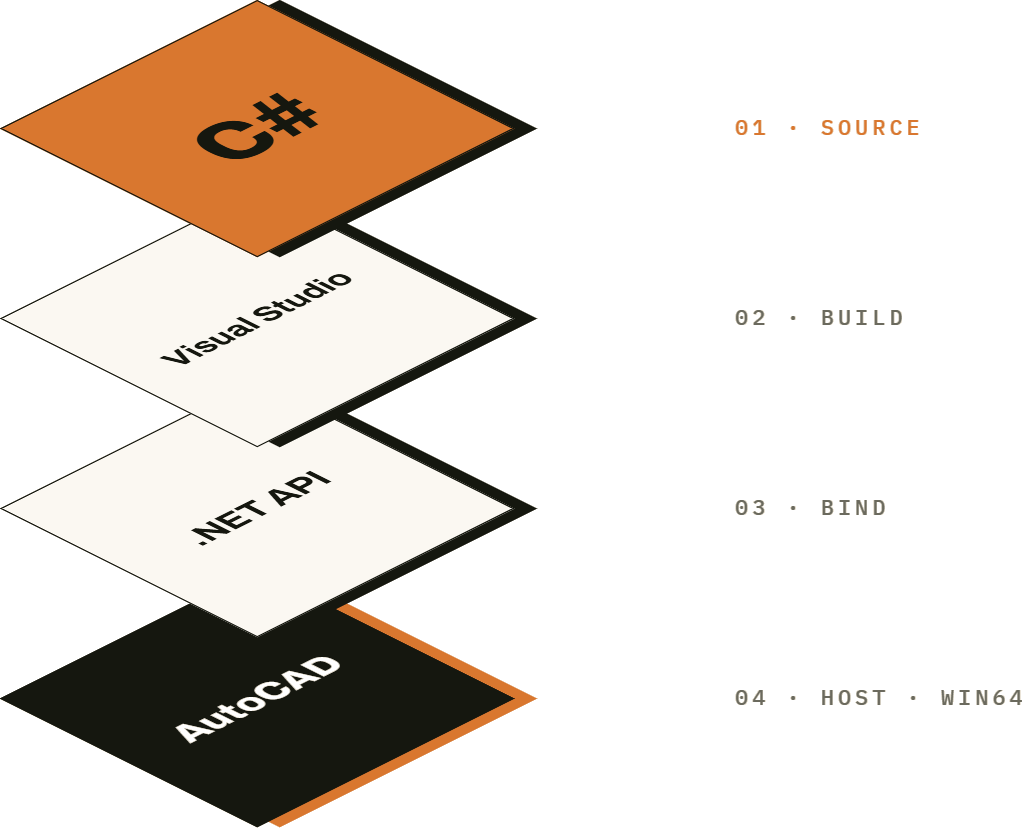
Written in C#, on the Autodesk .NET API.
Every MD Automation plugin is managed .NET code, written in C# against the Autodesk .NET API, for AutoCAD® software, 2025 and later, on 64-bit Windows. That is what lets a command sit in the ribbon, respect pick-first selection and undo in one step, the way a native command does.
C# · .NET · Autodesk .NET API · AutoCAD 2025+ software · Win64
Roadmap
What's shipped, and what's next.
License Manager
Trials, license requests, and activation in one window, shared by every MD plugin.
AvailableHow licensing worksAlign & Distribute
Line up and space out any selection by its bounding boxes.
AvailableSee what it doesRotate & Flip
Turn and mirror each object around its own pivot, in place.
AvailableSee what it doesQuick Layer
Find a layer by typing part of its name and set it current.
AvailableSee what it doesTrackpad
Pan, zoom and glide through a drawing with two fingers.
AvailableSee what it doesIncrement
Renumber text, attributes and mleaders in one pass.
AvailableSee what it doesPlugin 06
Not announced yet.
Q4 2026Plugin 07
Not announced yet.
Q4 2026Plugin 08
Not announced yet.
Q1 2027Plugin 09
Not announced yet.
Q1 2027Plugin 10
Not announced yet.
Q1 2027


